stillwater.

STILLWATER

A place
to pause.

For people with ME and long COVID

A place to rest and let your body settle. Come back whenever you need a moment.

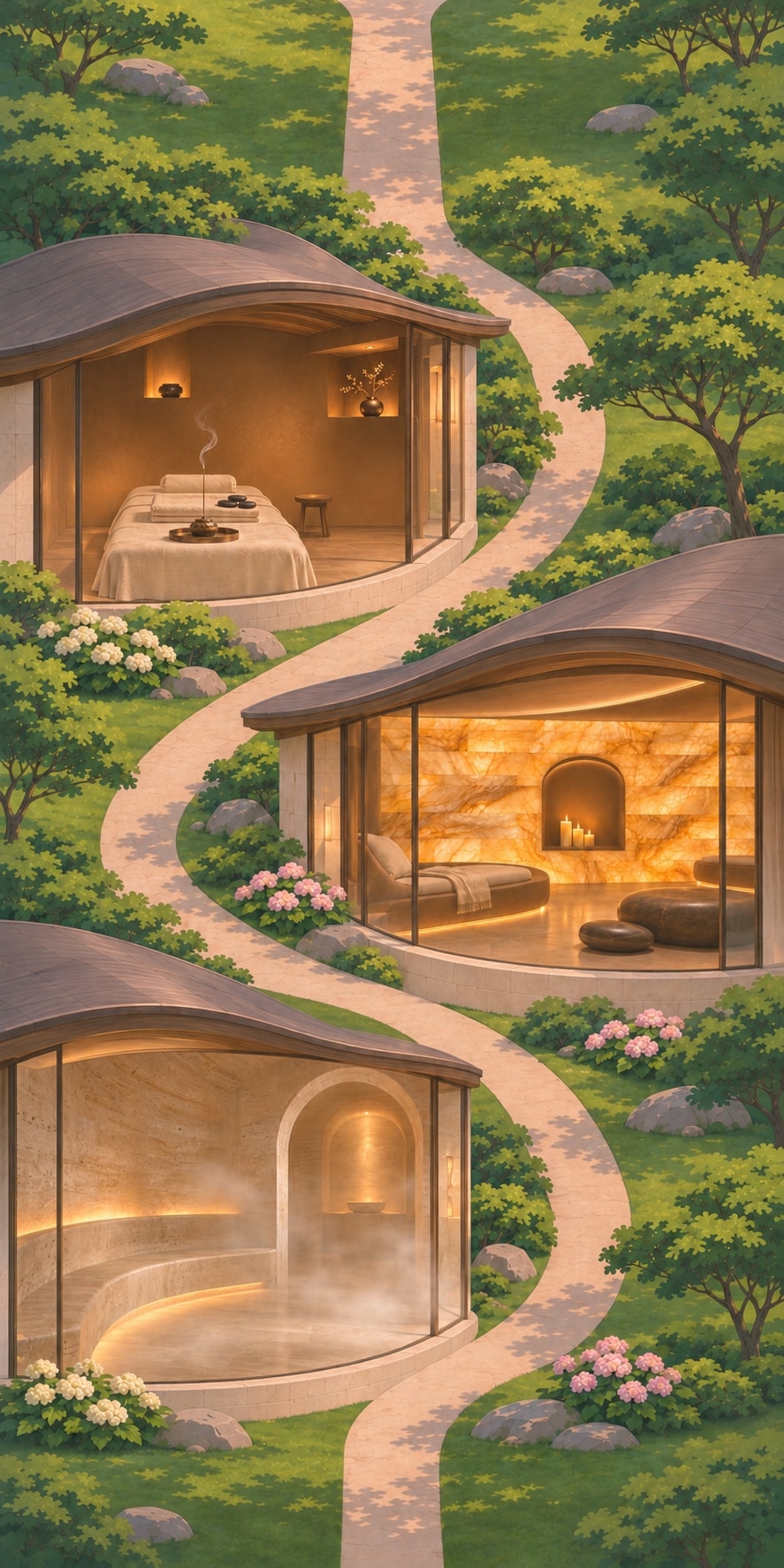
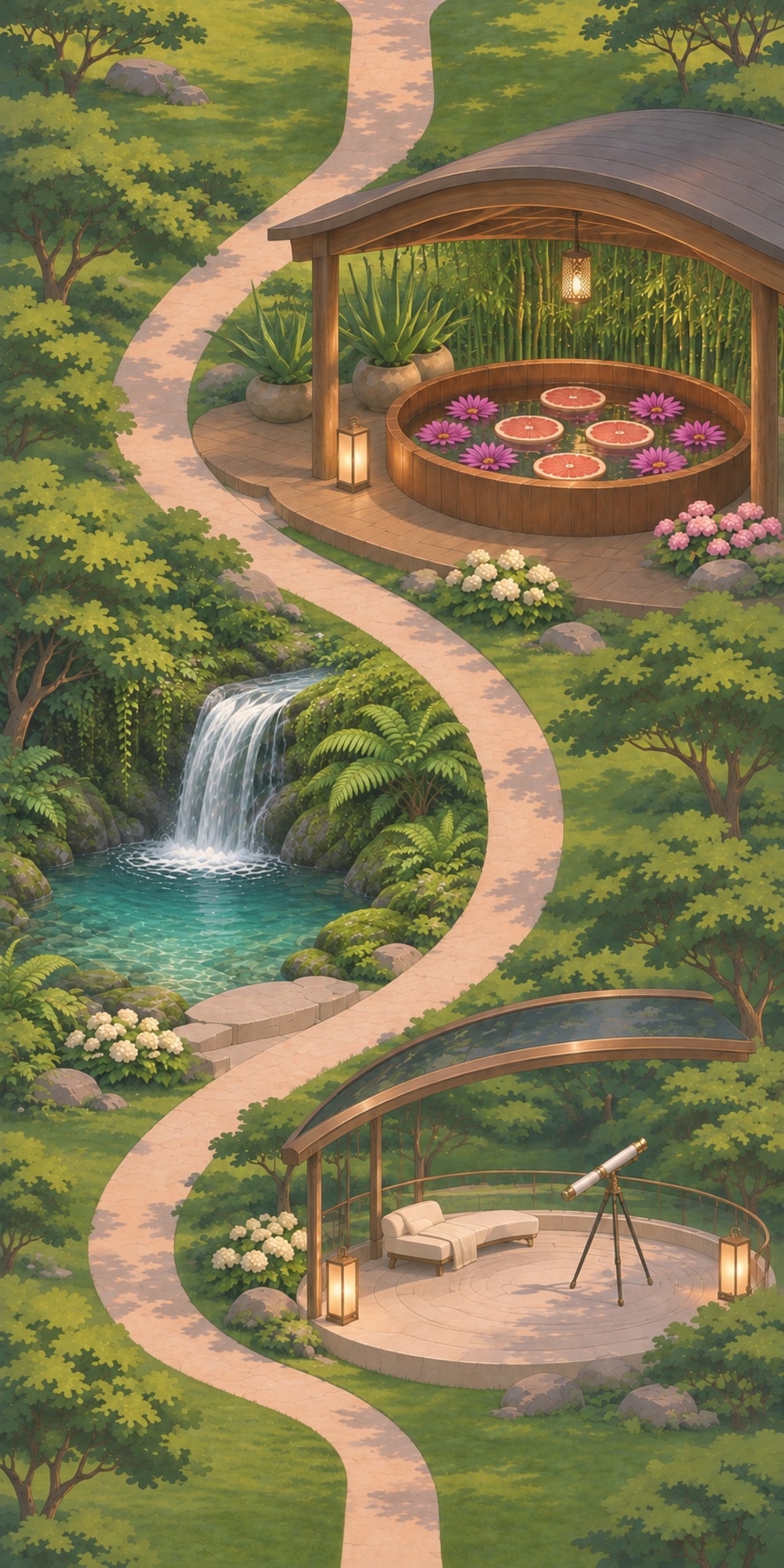
Explore the resort and its soundscapes at your own pace. Rest on your own, or choose a room and tap “Sit with me” to invite someone to rest with you.


STILLWATER

Room soundscapeSound off
THE RETREAT

Choose a place

CONTROLS

Sound & display

Turn on either sound, or blend both. Each level is saved on this device.

REST TIMER

Set a timer

Sound fades out gently when the timer finishes.

Timer off

CREDITS

Music & imagery

Full soundscape credits and licenses

COME BACK ANYTIME

Keep Stillwater close.

Add Stillwater to your Home Screen for an easy way back.

    iPhone · Safari picture guide

    Open Stillwater in Safari on your iPhone. Your menus may look a little different, depending on your Safari layout.

    1. Open the Safari menu

      Tap the three lines at the bottom left. If you already see the Share button, you can tap that instead.

      Safari’s three-line Page Menu button, outlined.
    2. Tap Share

      Choose Share at the top of the menu.

      Share at the top of the Safari menu, outlined.
    3. Tap View More

      If View More appears, tap it to see the full list of options.

      View More on the right of the Share options, outlined.
    4. Add to Home Screen

      Scroll down if needed, then tap Add to Home Screen.

      Add to Home Screen near the bottom of the options, outlined.
    5. Keep Open as Web App on

      Make sure Open as Web App is switched on, if shown. Then tap Add to finish.

      Open as Web App with its switch turned on, outlined.

    Now you know! You can do this for other websites, too.
    Apple’s Safari guide

    MADE FOR OUR COMMUNITY

    About Stillwater

    Stillwater is a free online retreat, made with love and creativity by a very severe ME patient.

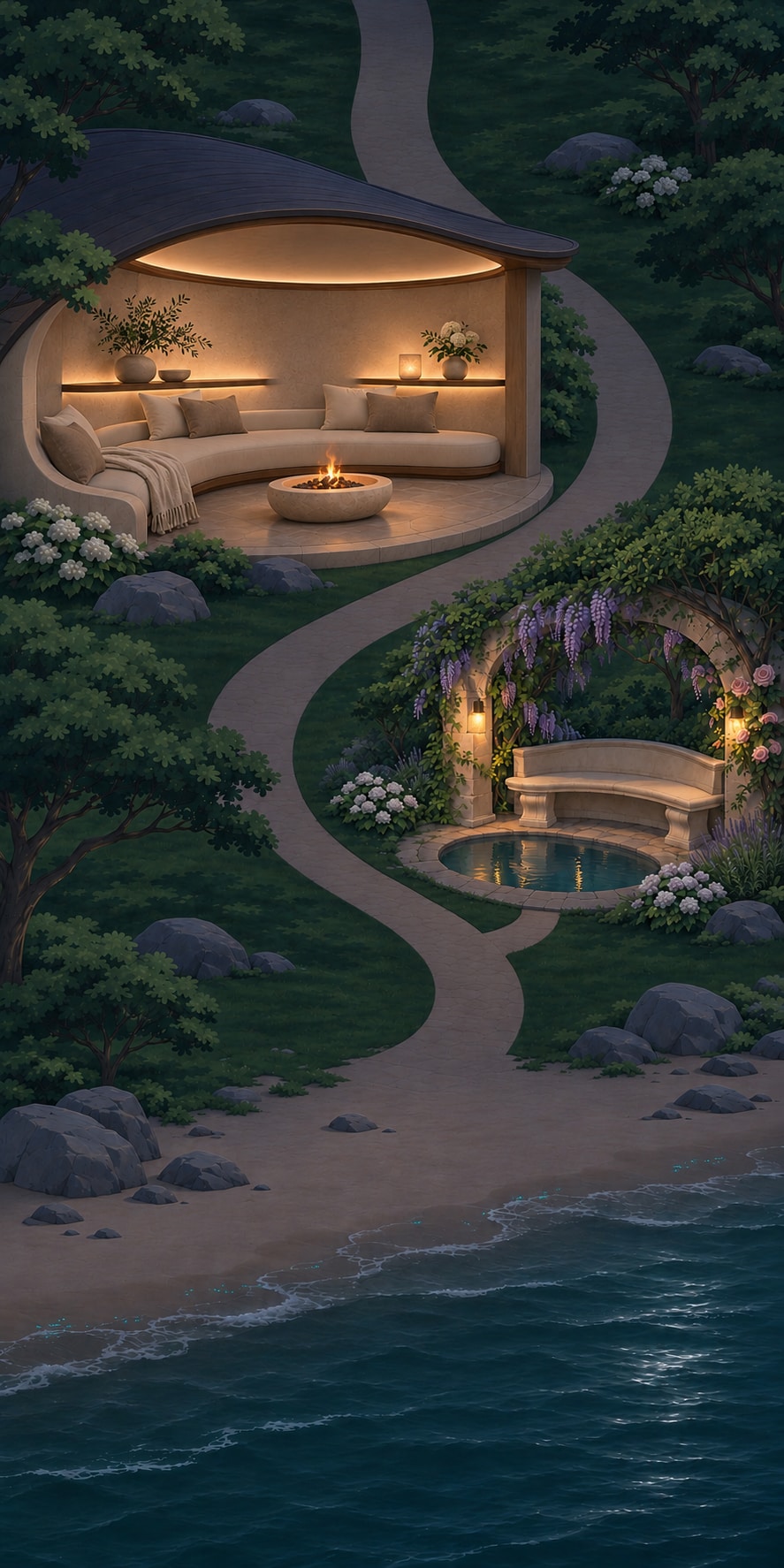
    It began with a wish for somewhere to practise radical rest: a quiet, spa-like corner of the internet for people with ME and long COVID. Somewhere to turn when everything feels heavy, demanding or overstimulating.

    You can explore the resort, listen to gentle soundscapes, or simply spend some time here. There is nothing to achieve and nothing expected of you.

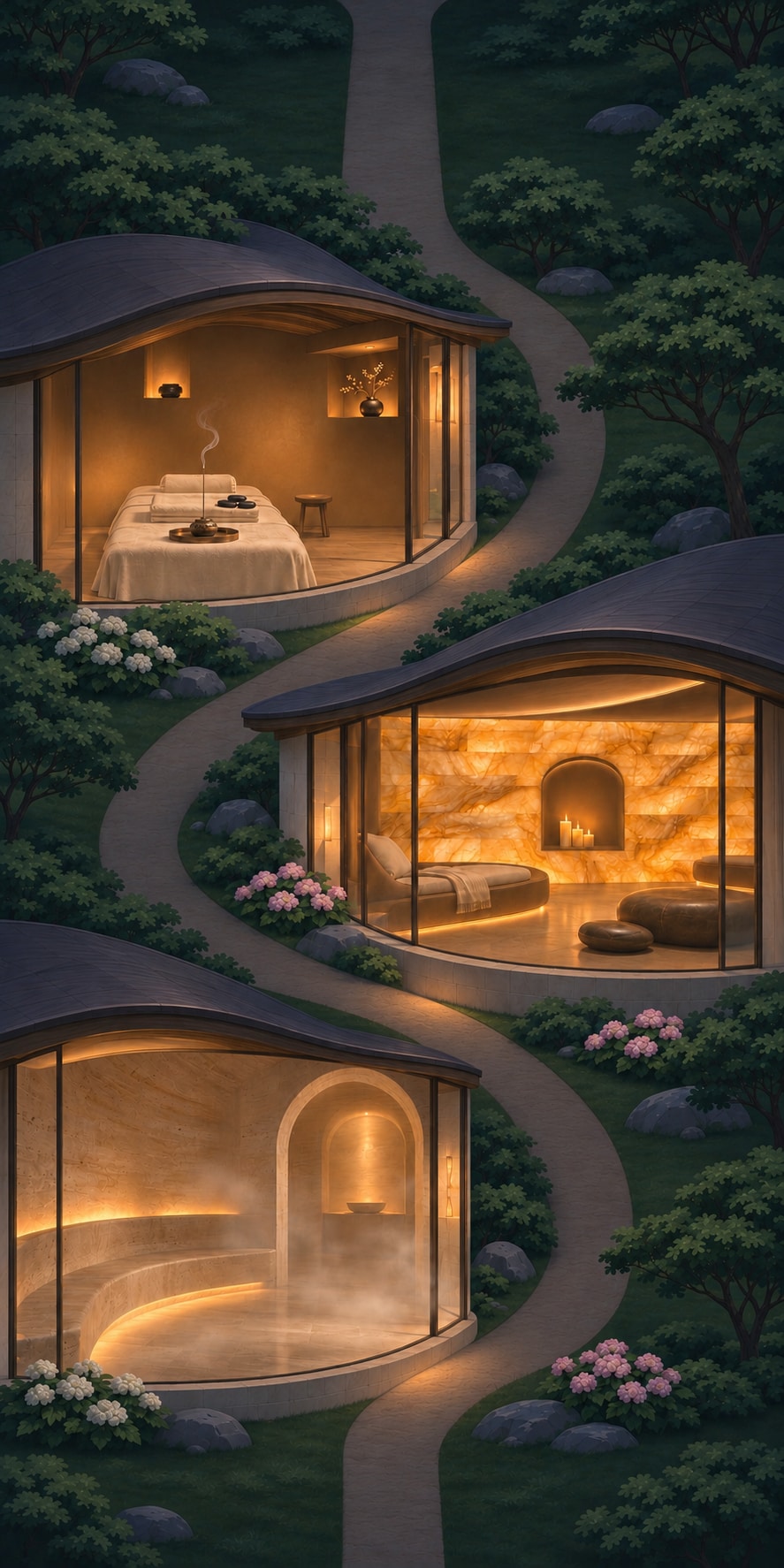
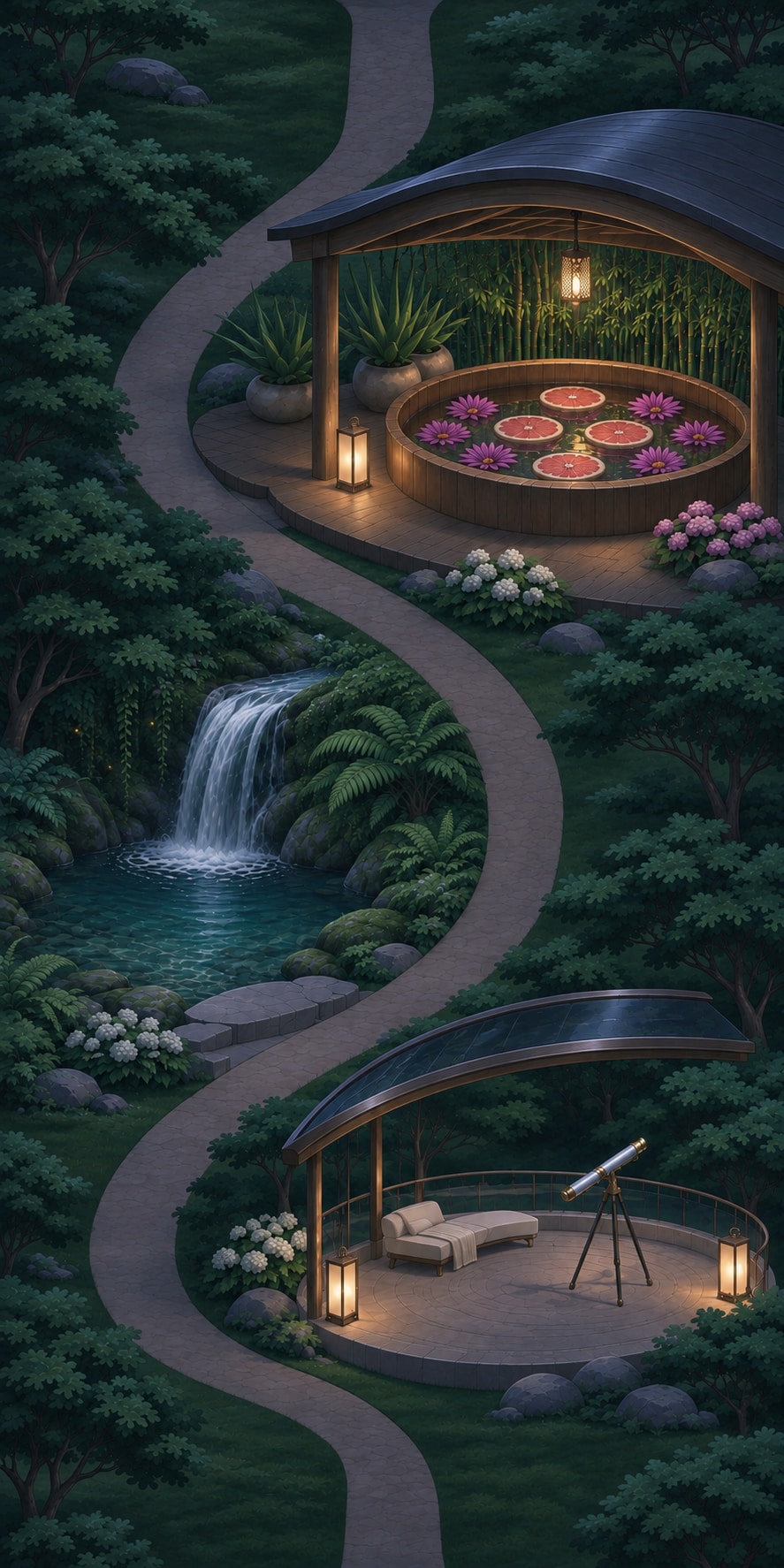
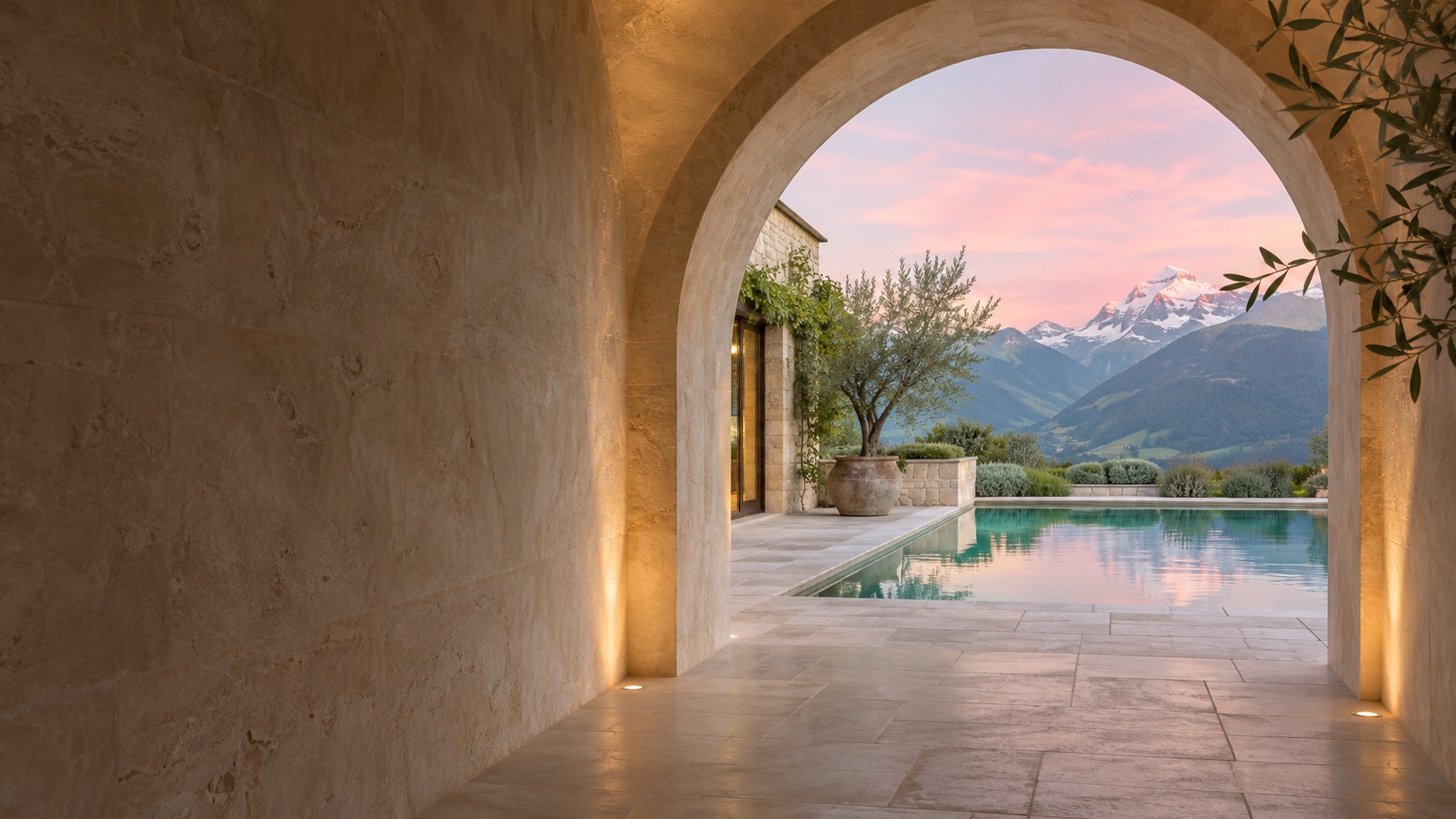
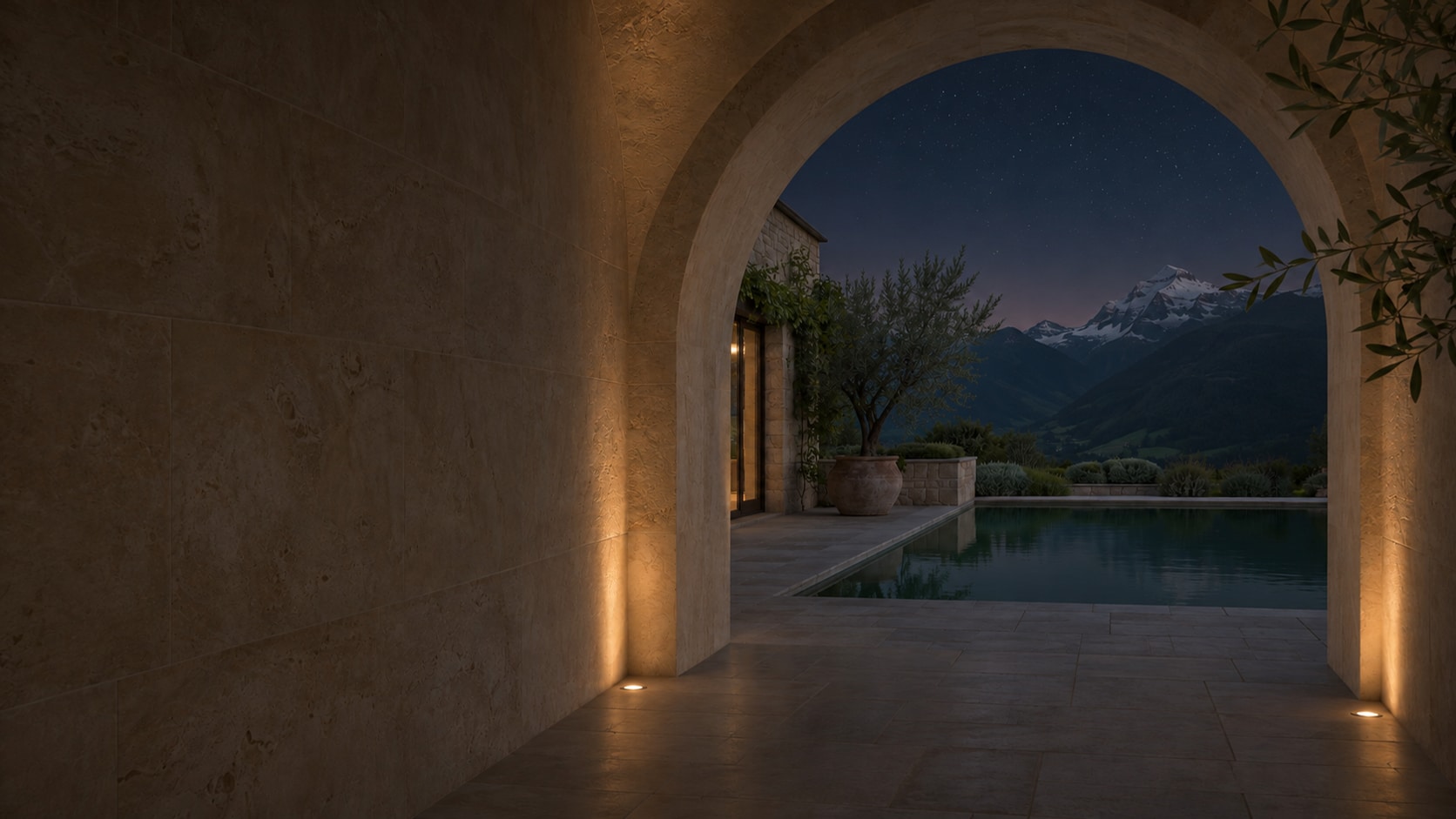
    If it’s evening, your eyes are tired, or you’re sensitive to bright screens, you can tap Night mode for a darker, softer view of the resort.

    For a simpler way to explore, tap the four-square button just to the left of Night mode. It lists every place, so you can go straight there without scrolling through the map.

    The shared spaces are inspired by something many people in our community wish for: the chance to rest alongside someone who understands. With “Sit with me,” you can invite a friend into the same little corner of the internet. Conversation is optional. Quiet company is enough.

    There is a little of the old internet in its spirit, too: small, unexpected websites you could stumble across, explore and enjoy, simply for the joy of it.

    Stillwater is free to use, with no sign-up. Come on your own or with a friend, and return whenever you need a moment to pause.